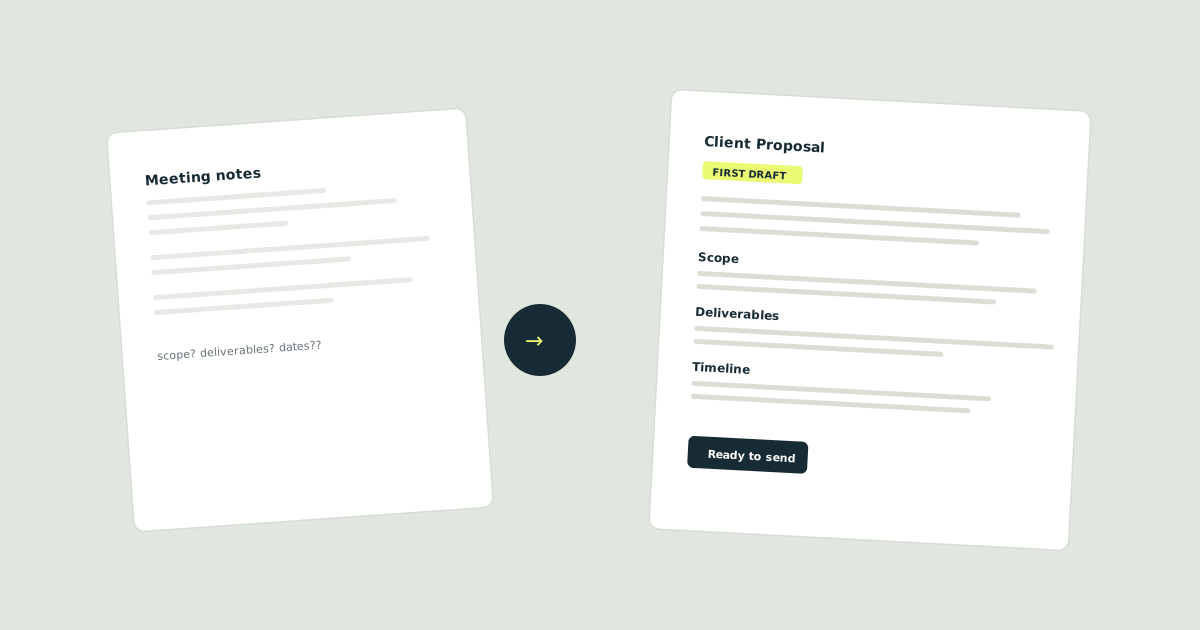
From scrappy notes to a proposal you'd actually send
A simple workflow to turn the details in your head into a clear first draft, using AI as your starting point.
You’ve got the notes. They’re scattered across a notebook, a voice memo and three different apps. The client meeting was two days ago and the proposal should have been sent yesterday.
Sound familiar?
The problem with proposals
Most sole traders and freelancers know their work inside out. The hard part isn’t what to say. It’s getting it out of your head and into something a client can actually read and say yes to.
That’s where a quick AI draft can help. Not to write the proposal for you, but to give you something to react to. A first pass that gets the structure right so you can focus on the details that matter.
A simple workflow
Here’s the approach we tested:
-
Gather your notes. Don’t tidy them up. Just dump everything into a single document: meeting notes, the brief, your scribbled thoughts on scope.
-
Give AI the context. Paste your notes and ask for a structured first draft. Be specific about what you want: sections, tone, rough length.
-
Review and edit. This is the important bit. Check every claim, every number, every date. The AI doesn’t know your client. You do.
-
Send it. With your judgement applied, you’ve got a proposal that sounds like you, structured clearly, and sent on time.
What we found
The first draft was about 70% there. Structure was good, tone needed adjusting, and it invented a timeline we hadn’t discussed. After 15 minutes of editing, we had something ready to send.
The win: We saved roughly 45 minutes compared to starting from a blank page.
The catch: You absolutely cannot skip the review step. The AI will confidently include details that aren’t true.
Who this is for
Anyone who writes proposals, quotes or pitches as part of their work and finds the blank page daunting. If you already write quickly and enjoy it, you probably don’t need this workflow.